
Logo

Scheduling Software

Become the master of your schedule.

Let’s face it. Your calendar is your life. If you’ve ever felt like staying on top of your schedule is a full-time job in itself, we think you’re going to love how MassageBook works to simplify and control your schedule.
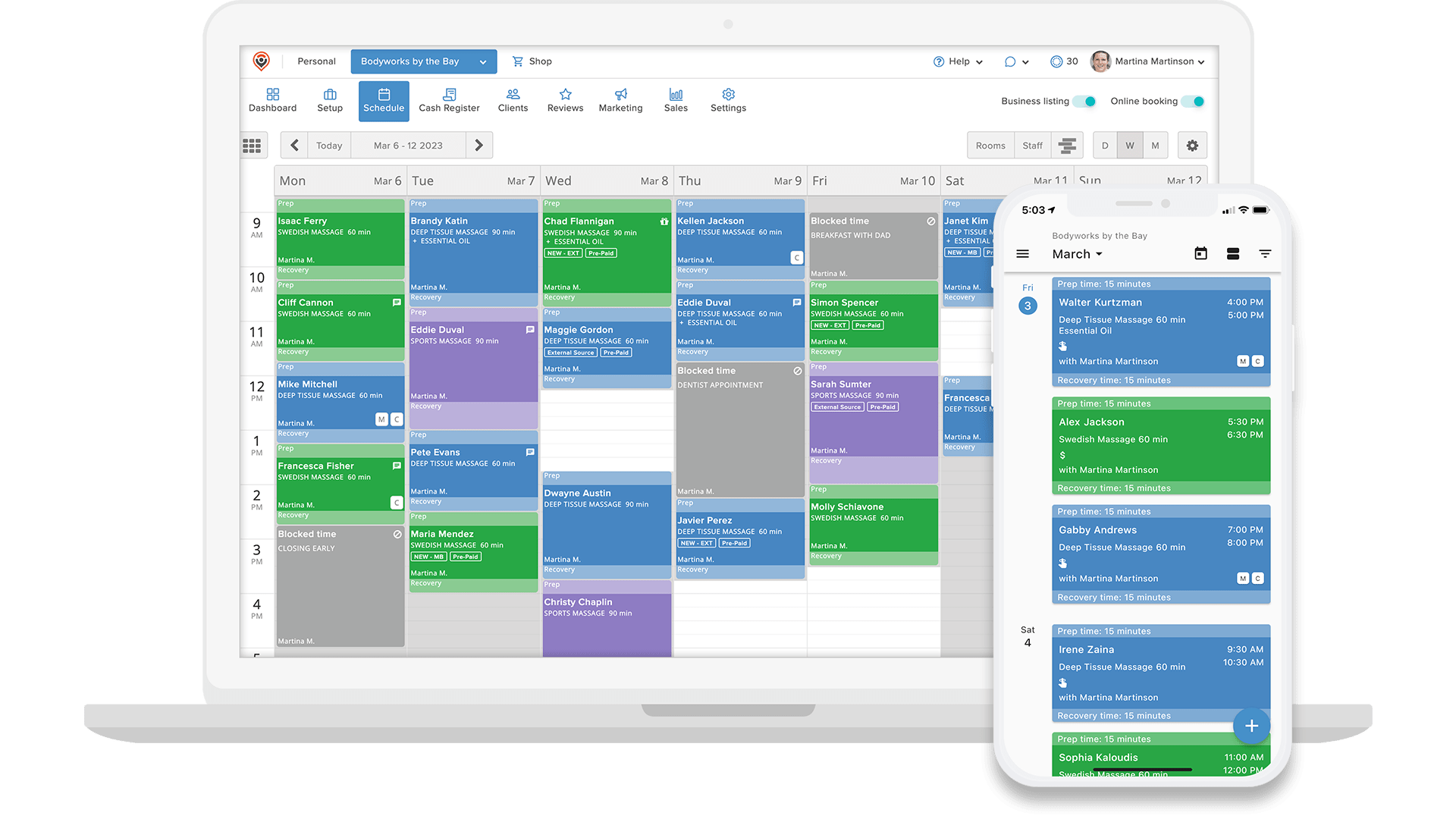
massagebook-scheduling-20230317-min-1

Control your availability

As a Bodyworker your availability may have special constraints. Prevent burnout, surprises and injury by capping the number of appointments you’ll accept.
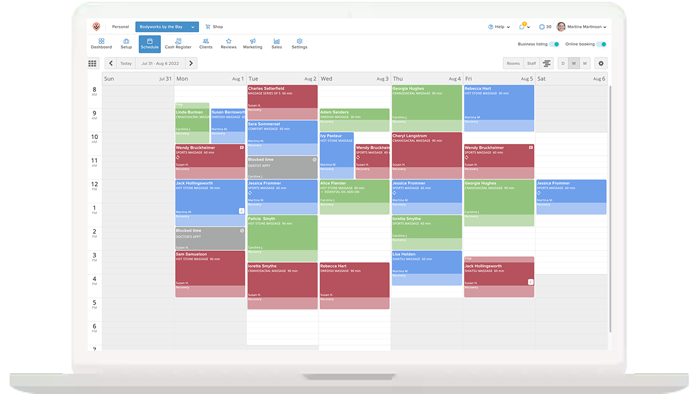
  • Limit the number of hours you want to work each day
  • Limit the number of total daily appointments you’ll accept
Control-your-availability

Manage in-office, outcall and on-call staff schedules

If you have multiple staff on your team, you know scheduling can easily become a mess. Staff can sign in to their own accounts from anywhere and manage their own availability. You control their permissions.
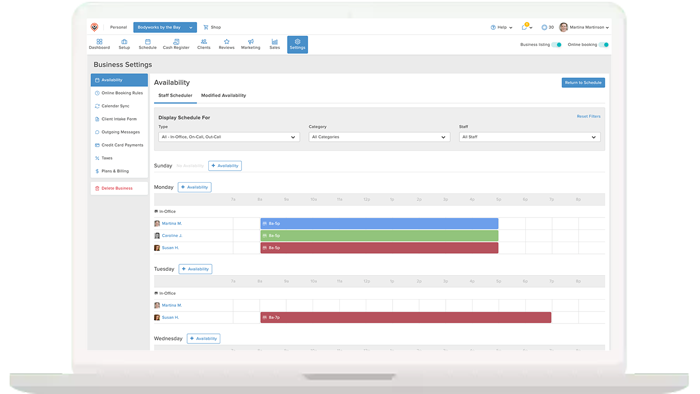
  • View real time availability of all staff, even on-call staff
  • Manage even complex staff scheduling scenarios easily
Manage-in-office

Book and track series

You just sold a client a 5 visit series and want to track their usage over time? No problem!
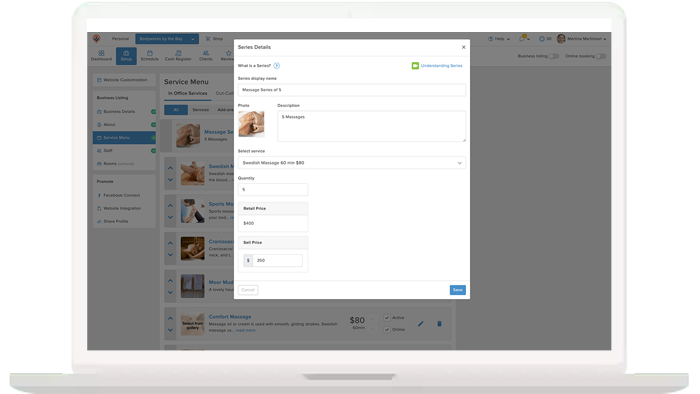
  • Easily sell and track a series of services for a client
  • Never have to wonder what visit number a client is on again
Book-and-track-series

Create recurring appointments

Your favorite clients come back to see you like clockwork. Don’t risk double booking their spot by automatically creating a string of repeat visits in the future.
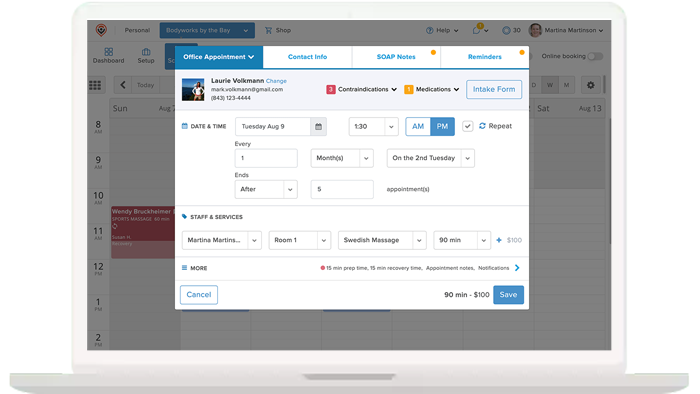
  • Repeat an appointment on any regular pattern they wish
Create-recurring-appointments

Create custom reminders and notes for clients

One client has a nut oil allergy, another only likes to listen to classical music, another prefers the lavender/peppermint essential oil blend. How ever will you remember?
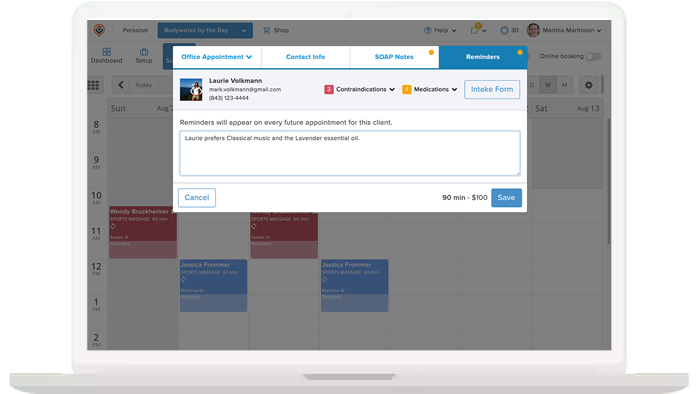
  • Create custom reminders that display with clients’ booking
notes-for-clients

Email clients notices of schedule changes

Any new booking or change in appointment date or time will automatically send clients a notice of the change to avoid any confusion.
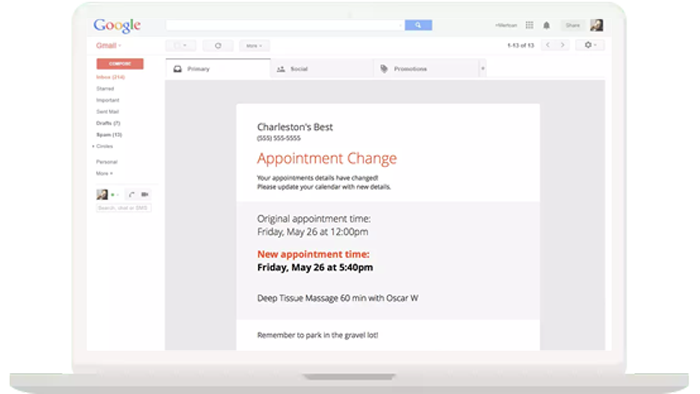
  • Prevent miscommunication of schedule changes
  • Automatic notifications may be turned off if you prefer
Email-clients-notices

Sync MassageBook with Google Calendar

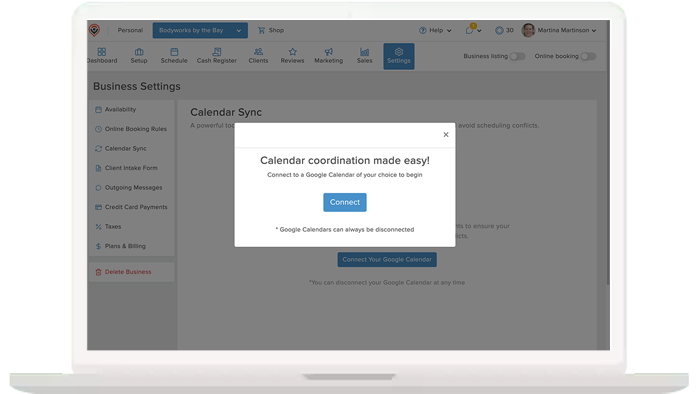
You have an appointment on your phone calendar and you want to make sure the time is blocked off your MassageBook schedule of availability as well? You can do that and more with MassageBook’s Calendar sync feature. A great way to avoid conflicts between your MassageBook schedule and your other calendars.

Google-Calendar
How it works

FAQs about scheduling software for massage therapists

Can I automatically add buffer time between appointments with MassageBook?

Yes! When you add a service to your service menu, you can include built-in prep and recovery time to add a buffer at the beginning or end of each appointment. This automatically creates gaps in your massage appointment schedule, ensuring you always have the time you need to prepare for your next client.

How can I prevent no-shows and late cancellations with MassageBook?

MassageBook offers email and text reminders to ensure clients don’t forget their upcoming appointments. You can also require clients to provide their payment information up front so that if they no-show or cancel their appointment at the last minute, you can easily charge their card a cancellation fee.

With MassageBook, do clients have to download an app to schedule with me?

Nope! MassageBook’s mobile app is designed to help you manage your massage practice, not to inconvenience your clients with another download. Your clients can easily schedule through your website if they choose not to download the app.

What happens if my schedule is full? Is there a waitlist feature?

Yes, MassageBook has waitlist features for when your schedule is full. You can easily add clients to the waitlist and view who is on it. Plus, set up automatic email triggers for when an appointment is canceled so clients on the waitlist are automatically notified of new availability for their preferred providers or services.

Can I prevent double-booking with MassageBook?

Yes. MassageBook allows you to add rooms, which determines how many simultaneous appointments can be booked with clients. This ensures that you never overbook your massage practice. You can also add availability rules per staff member to prevent double-booking even when juggling multiple schedules.

For instance, if two massage therapists share a room, you can set that rule within MassageBook’s scheduling system. That way, if one therapist is booked, the other will not be available for online booking during that appointment time, as their room will be occupied.

When a new client schedules an appointment, do they automatically get an intake form and liability waiver?

Yes, MassageBook can automatically send intake form requests through email to clients after they’ve made an appointment. Then, clients can complete the forms at home, preventing holdups when they arrive for their massage appointment.

massagebook-outro-1

Get Set Up in Minutes and Start Scheduling on MassageBook Today

Get started for free and create your free MassageBook website in minutes. Our team is here to help you transition from another service or from a paper calendar. Select the plan that works for your massage business now and MassageBook will grow with you.

I'M READY TO GET STARTED FREE

“I’m Amazed at the Wonderful Continuous Updates”

007-kristinremenar-60x602
Kristin Remenar
Pathway To Health Massage Therapy

I notice it really helps simplify the day to day running of my practice

011-kimowilliams-60x60
Kimo Williams
Danzan Therapeutics

Prior to MassageBook I had been looking for a software to run all the components of my practice